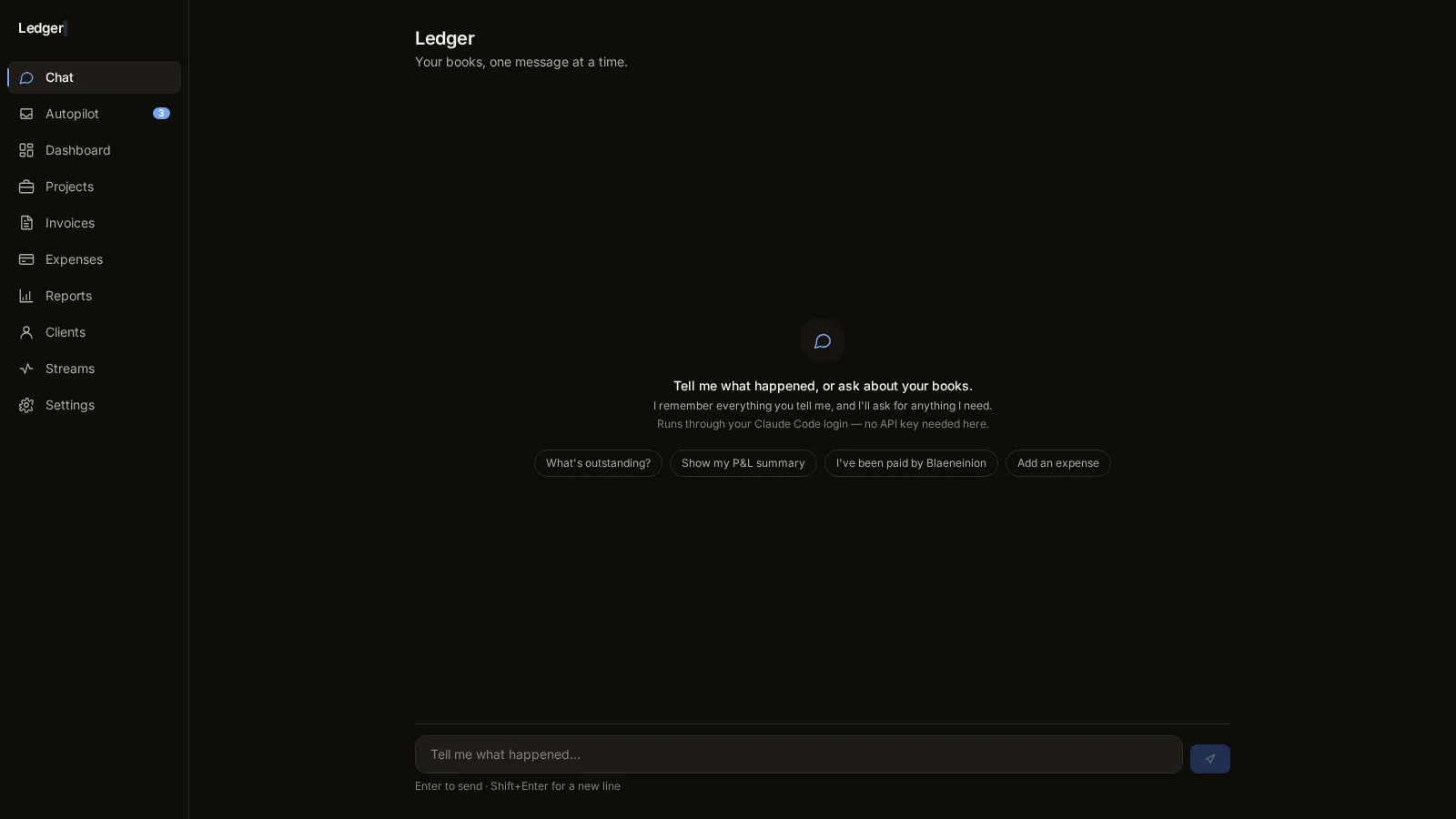
Ledger
Bookkeeping for one. An AI autopilot reconciles the bank feed and email receipts into an approval inbox, and 63 Rust tests guard the money side. I see my whole financial position on one screen.
Most owner-run businesses live across a dozen browser tabs and a spreadsheet or two, none of them talking to each other. I build consoles that put the numbers you actually check and the controls you actually use in one place, on your own machine.
My roots are in rural Wales, so local-first is just how I build. The console keeps working when the broadband doesn't, and there's no monthly fee per person just to look at your own numbers. The data stays on your machine, and the proof below controls a real battery in a real house.
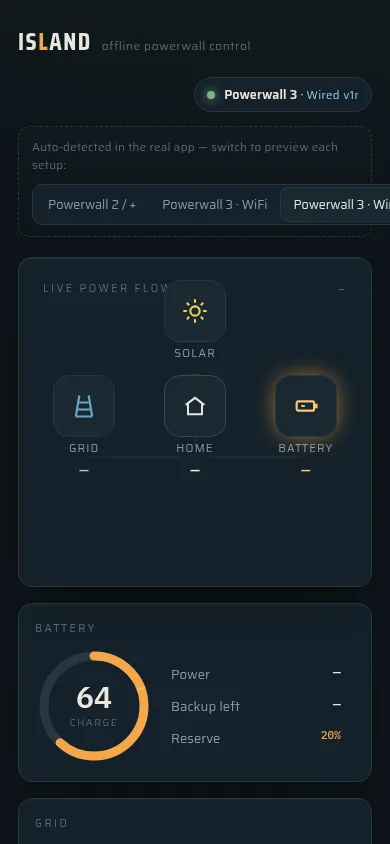
Island · a real Powerwall, controlled offline
The stakes go up when a dashboard changes numbers instead of just showing them. Island proves it can be done safely: a client build where the buttons move real electricity.
I use this stuff myself. My own books and my own community platform run on consoles I made, which is where the habits in the client work come from. Both are personal builds, shown honestly as such.
Bookkeeping for one. An AI autopilot reconciles the bank feed and email receipts into an approval inbox, and 63 Rust tests guard the money side. I see my whole financial position on one screen.
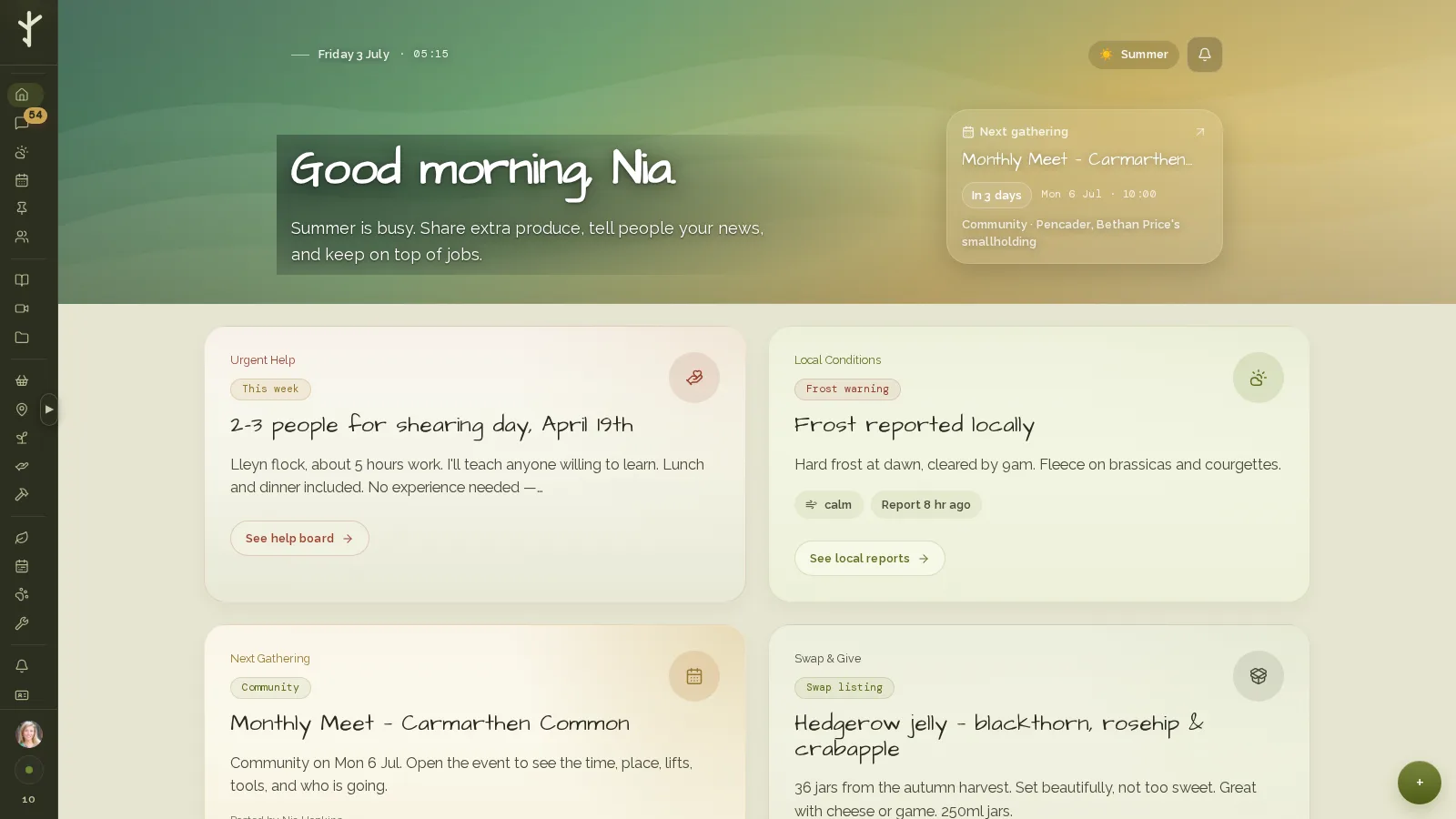
A self-hosted platform for off-grid living, seventeen modules from a swap marketplace to livestock records, in daily real-world use. One screen for a whole smallholding.
The rule of thumb: if you check it every day, it belongs on the screen. If you copy it between two systems by hand, the console should do the copying.
No two consoles hold the same things, so dashboards are quoted after I've seen the job. A full one sits in the App & Product Build tier on the main site, and a smaller console can come in under that band.
If you want the thinking on paper before committing to anything, start with the audit below. Half a day mapping what you check, chase, and copy between systems every week, and you get a written report of what belongs on one screen and what should be automated outright.
comes off the build if you go ahead
The same audit that starts the automation work, pointed at your dashboard problem: what you check every day, where it lives now, and what one screen would need to show.
Tell me where your numbers live today, however messy. I'll come back with what a console would look like and what it's likely to cost, usually within a day.
Email: alex@alexevoy.devIf the mess is more about jobs than numbers, the automation page is probably where you want to start.